Sleep Testing Made Simple

A sleep test is sometimes needed to determine if a patient may have sleep apnea. Dr. Sheahan is proud to offer the Sleep Image Ring — a simple device worn on a finger of your left hand during sleep.

You download the Sleep Image App on your phone, press start when you are ready to sleep, and stop when you wake up. The data is transmitted digitally to Dr. Sheahan. A sleep physician is then consulted who makes the final diagnosis and recommends possible treatment options.

Request a Sleep Ring
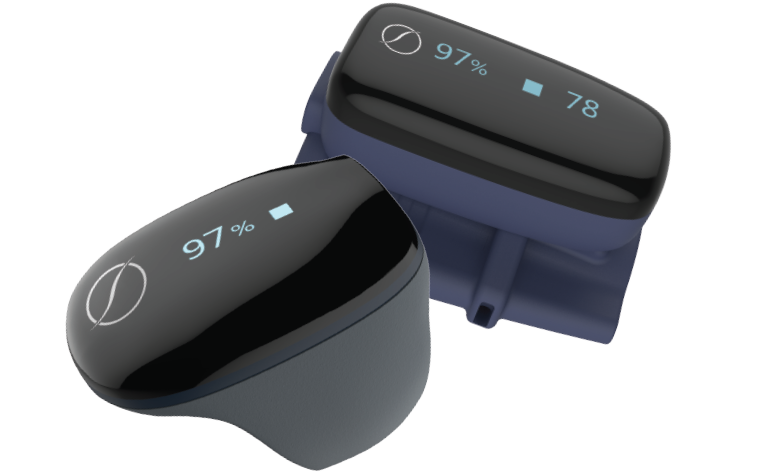
Sleep Image Ring device

The Sleep Image Ring — worn on your finger while you sleep.

Instructions for Use

1

Install the Sleep Image App on your phone before the night of the study.

2

When ready for sleep, place the ring on any finger of your left hand — all the way down to the webbing.

3

Open the app and tap the green Start button. Allow Bluetooth if prompted, then go to sleep.

4

Keep your phone plugged in close to your bed. If you get up in the night, take your phone with you.

5

In the morning, press the red Stop button, remove the ring, and plug it in to charge for the next night.

Think You Might Have Sleep Apnea?

The at-home sleep study is a convenient, comfortable first step. Contact us to receive your Sleep Image Ring.

Get Started